Purpose limitation
Never sold, never for ads
Your information is used to provide chōbo. We don’t sell it, share it for advertising or run tracking scripts.
Features
Write first. chōbo shapes the card, finds its place and keeps everything about it together. Here is each part, in the app itself.
Write
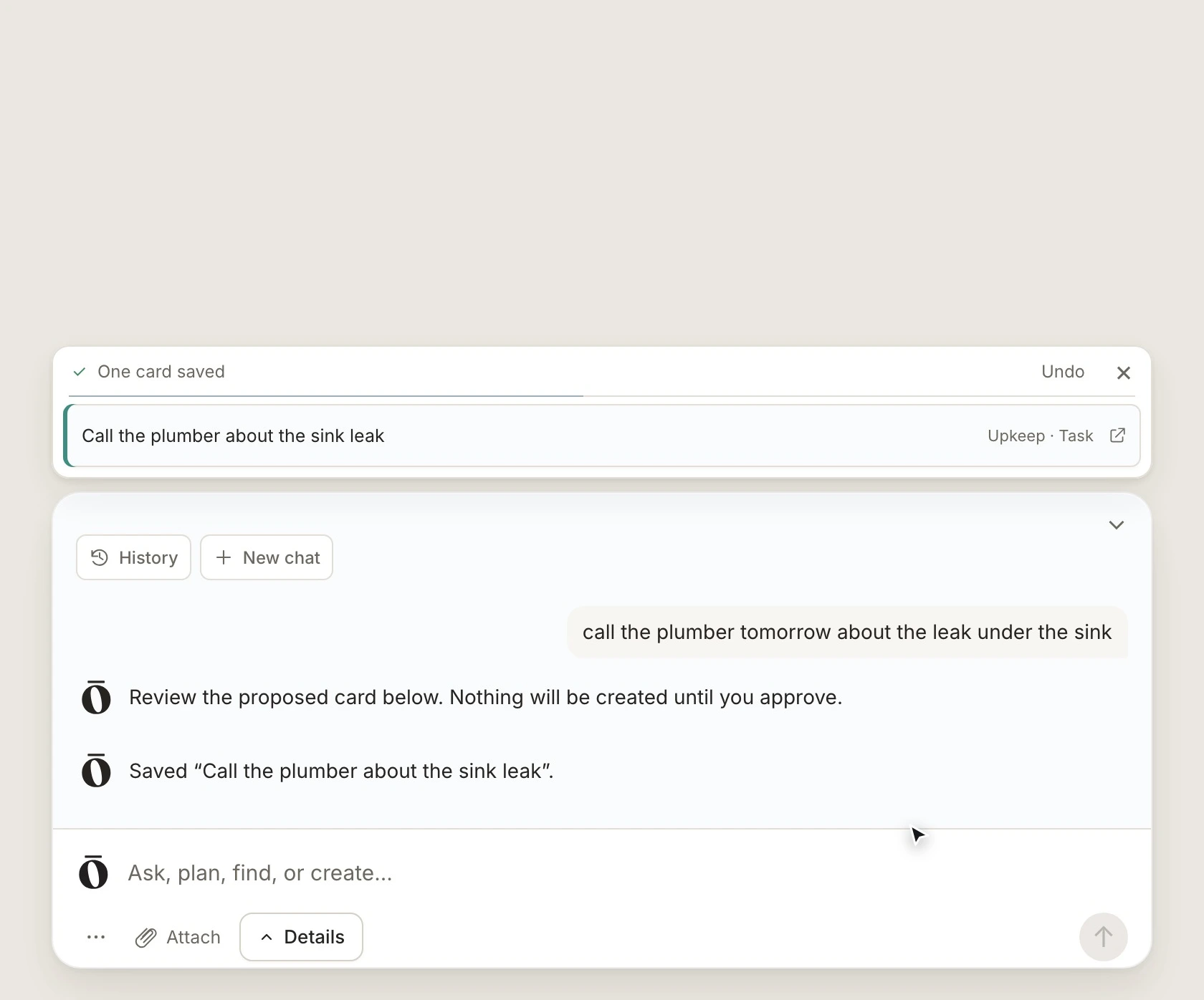
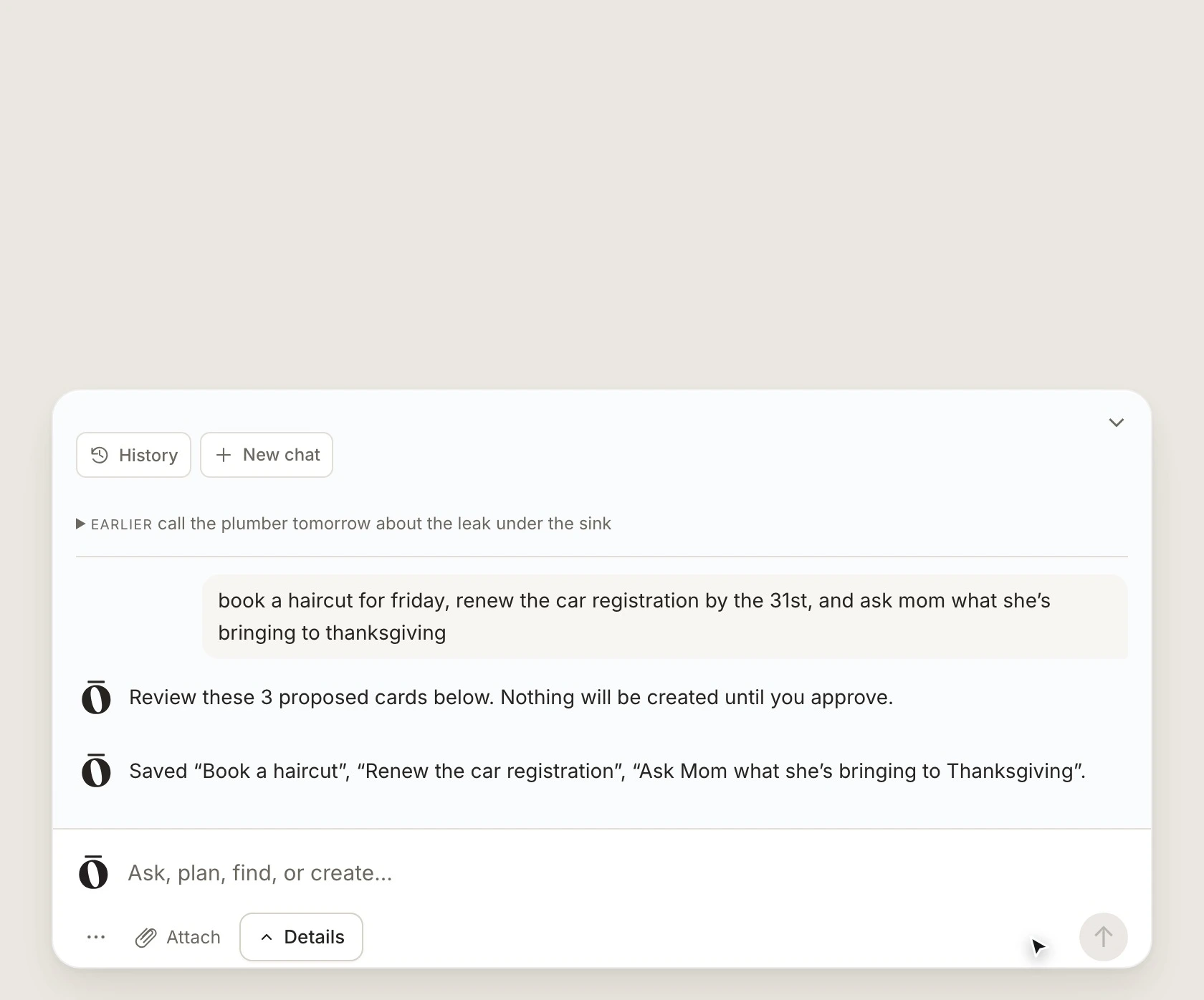
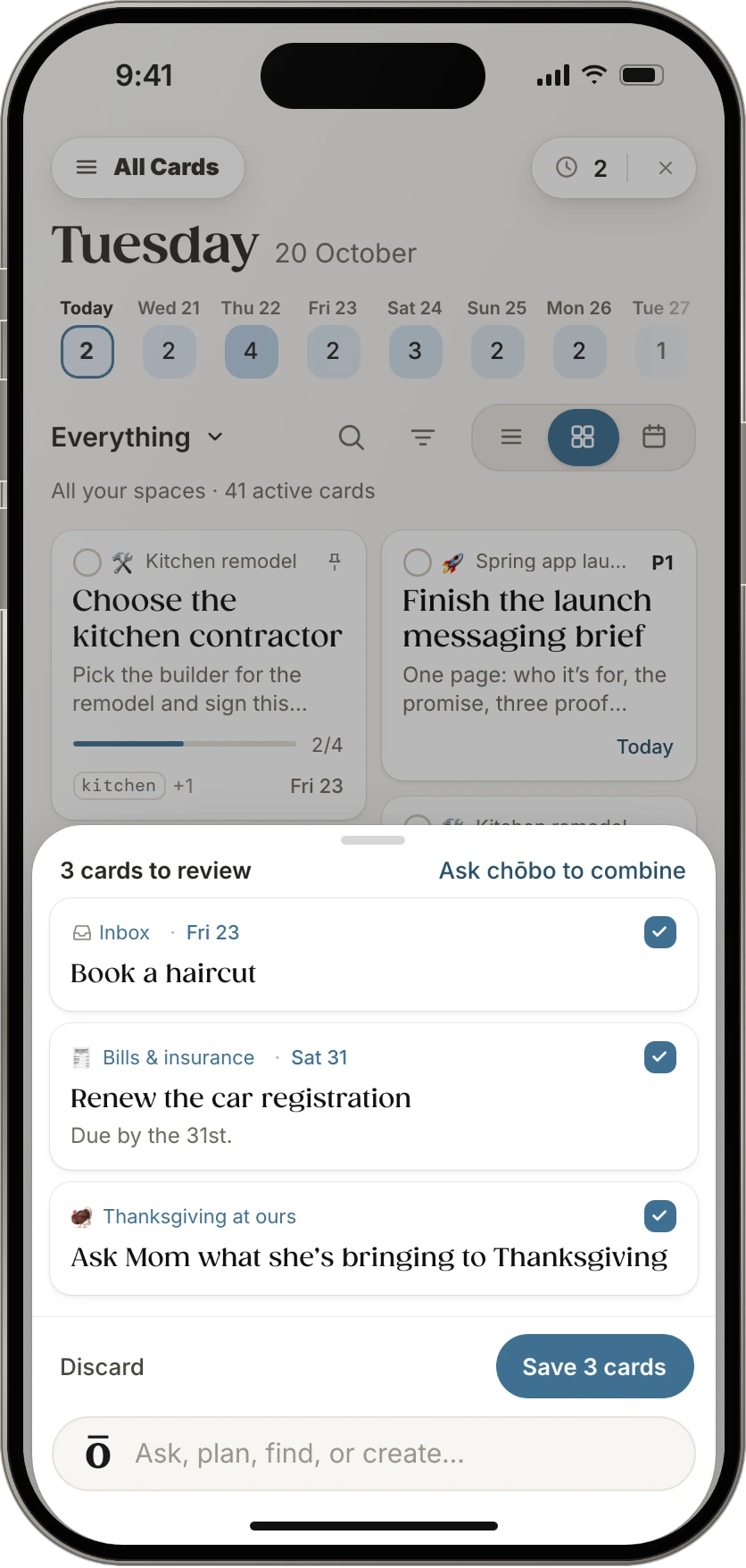
Type a thought, a list or your meeting notes. chōbo turns it into cards with a title, a date and a place, and shows you each one before anything is saved.
Inbox
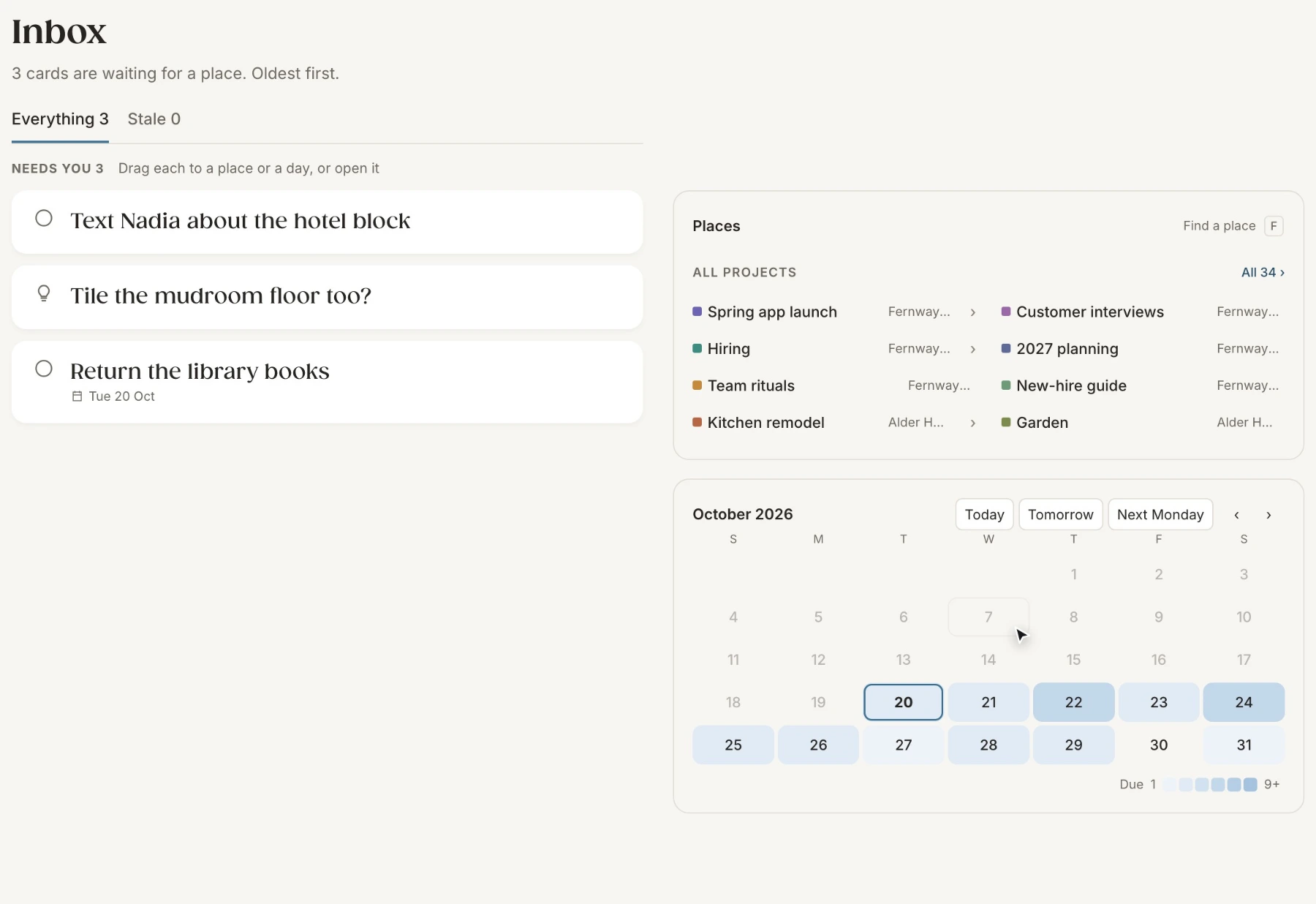
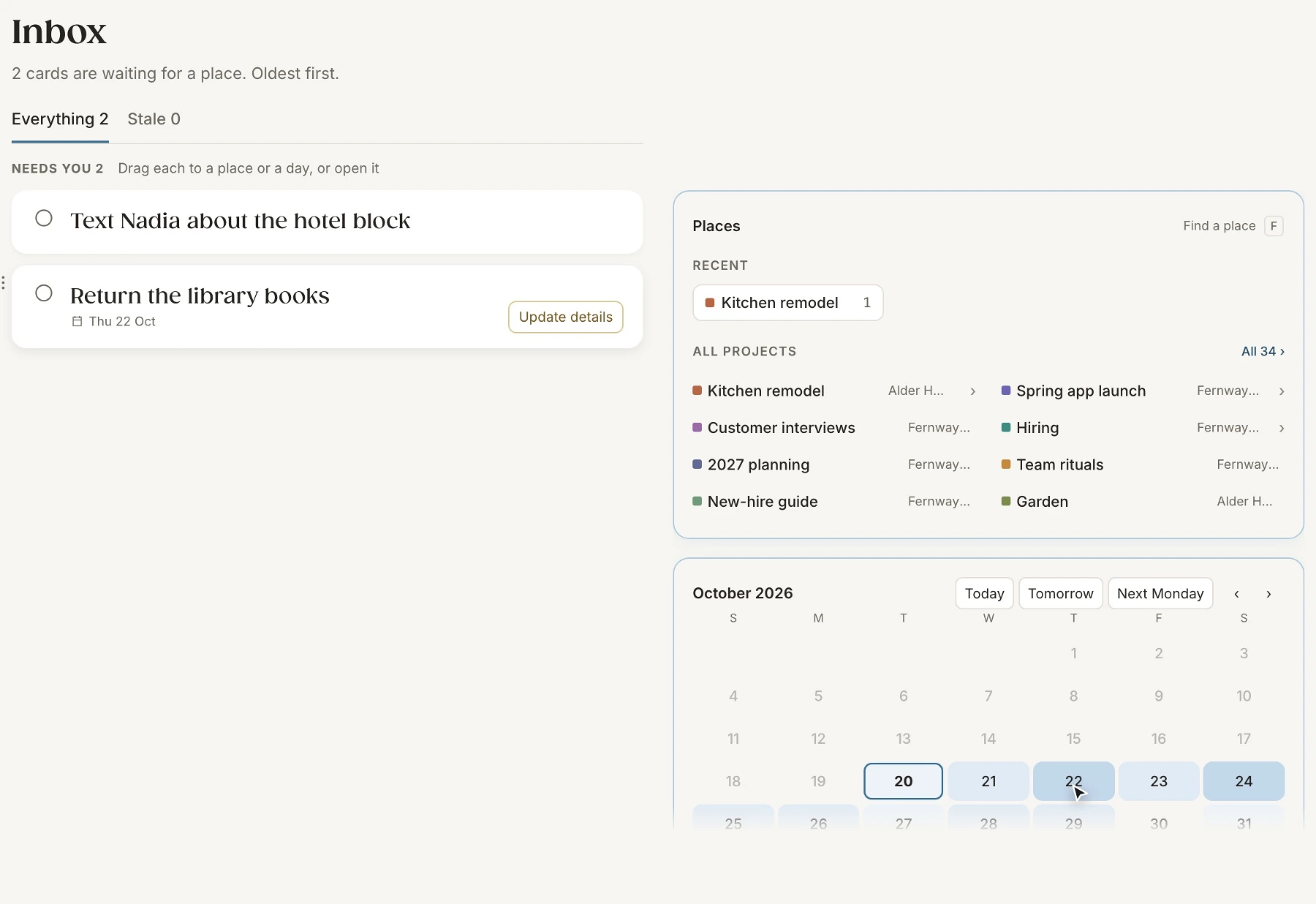
Not every thought needs a place right away. The Inbox keeps the ones that don’t have one yet, oldest first, until you drag each to a place or a day.
Organize
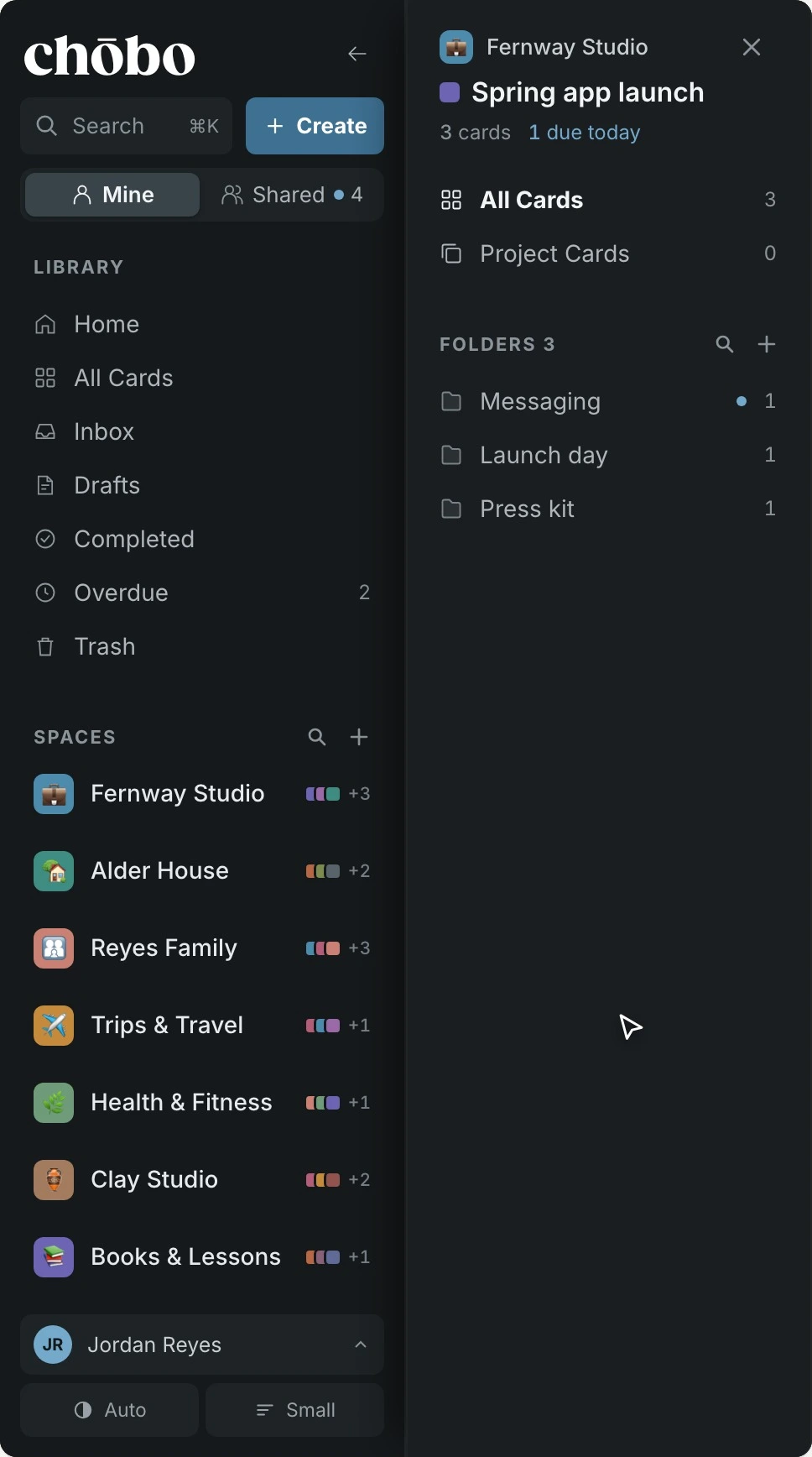
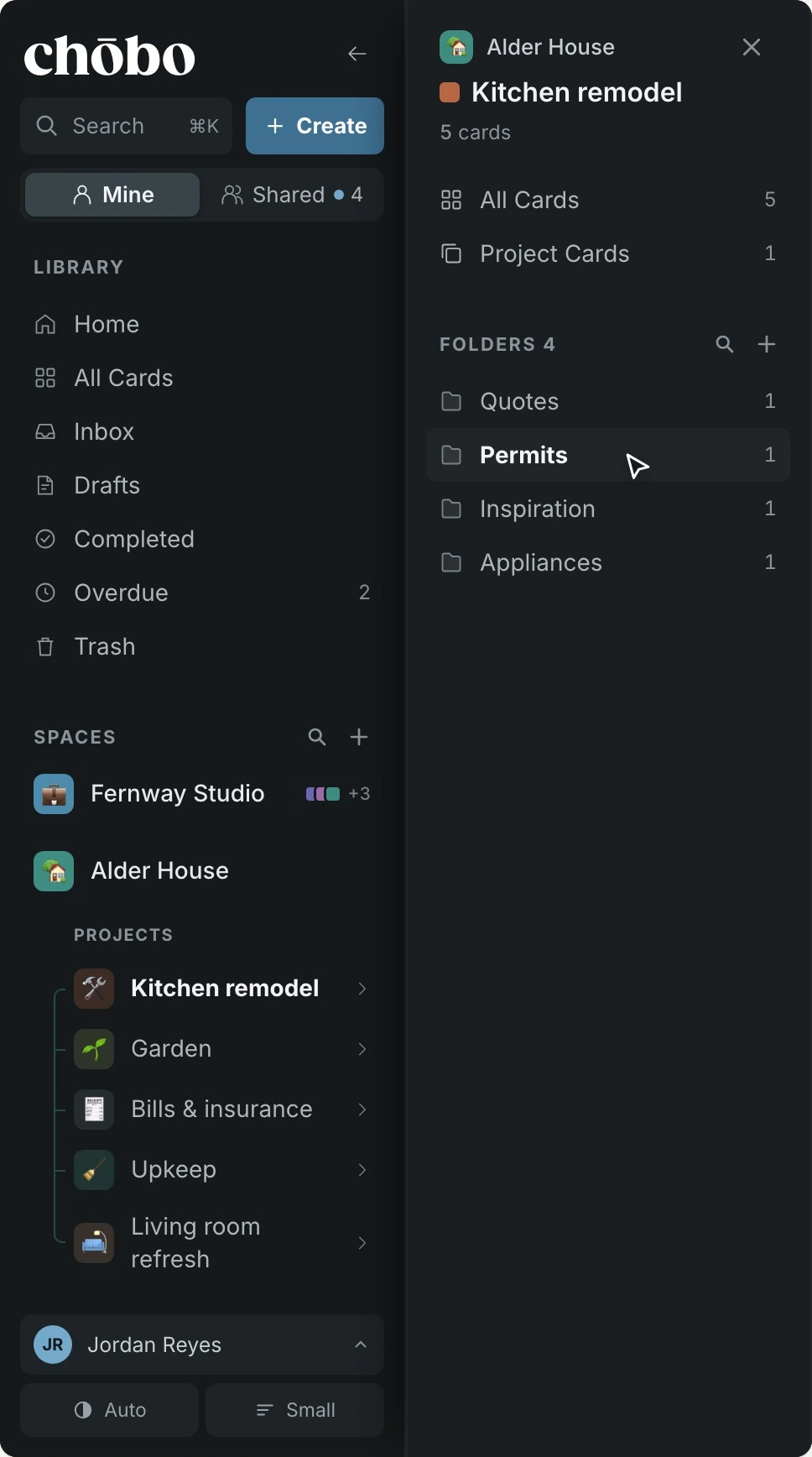
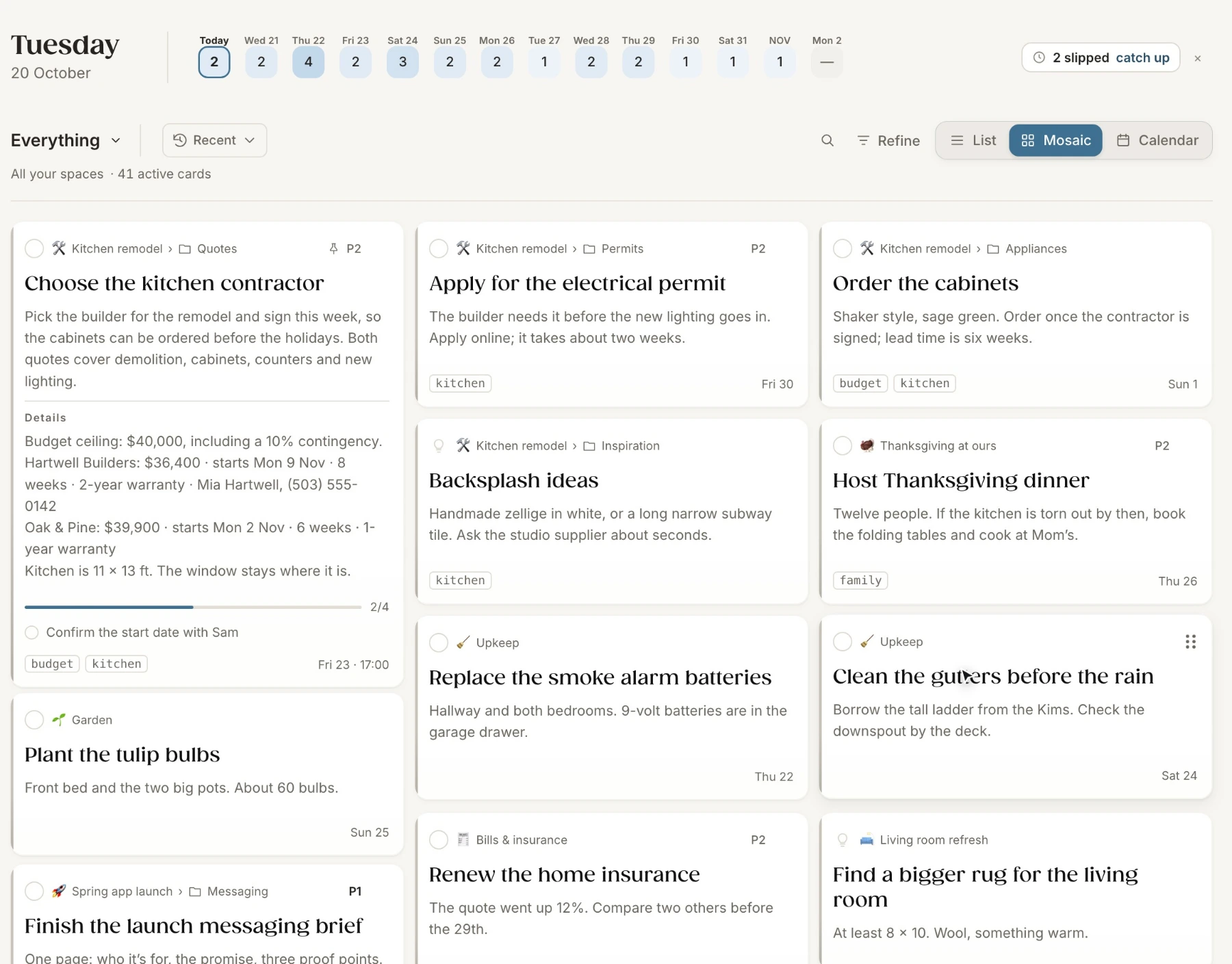
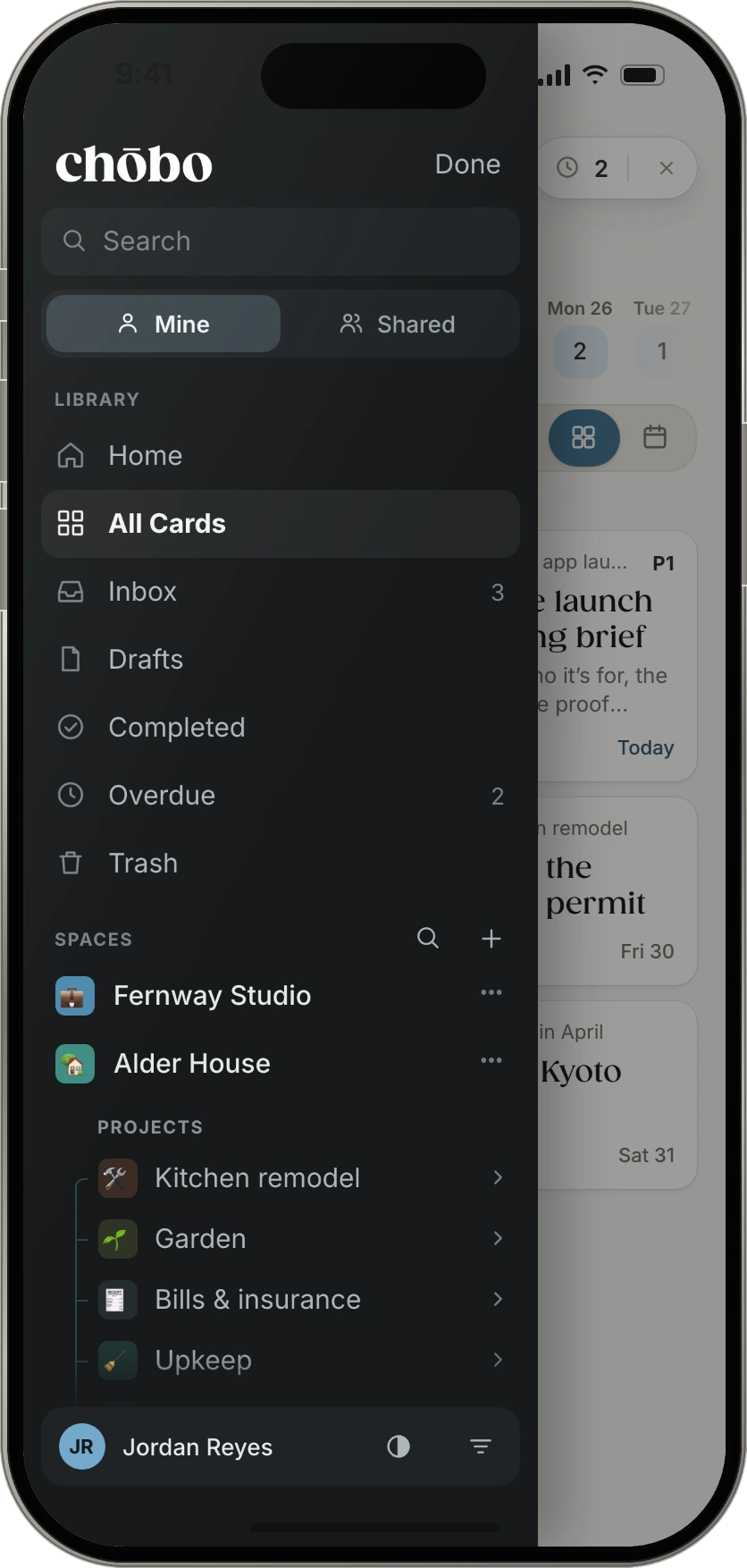
Spaces hold the big areas of your life, projects live inside them, and folders keep the busy ones tidy. Open a space and its projects are right there.
The card
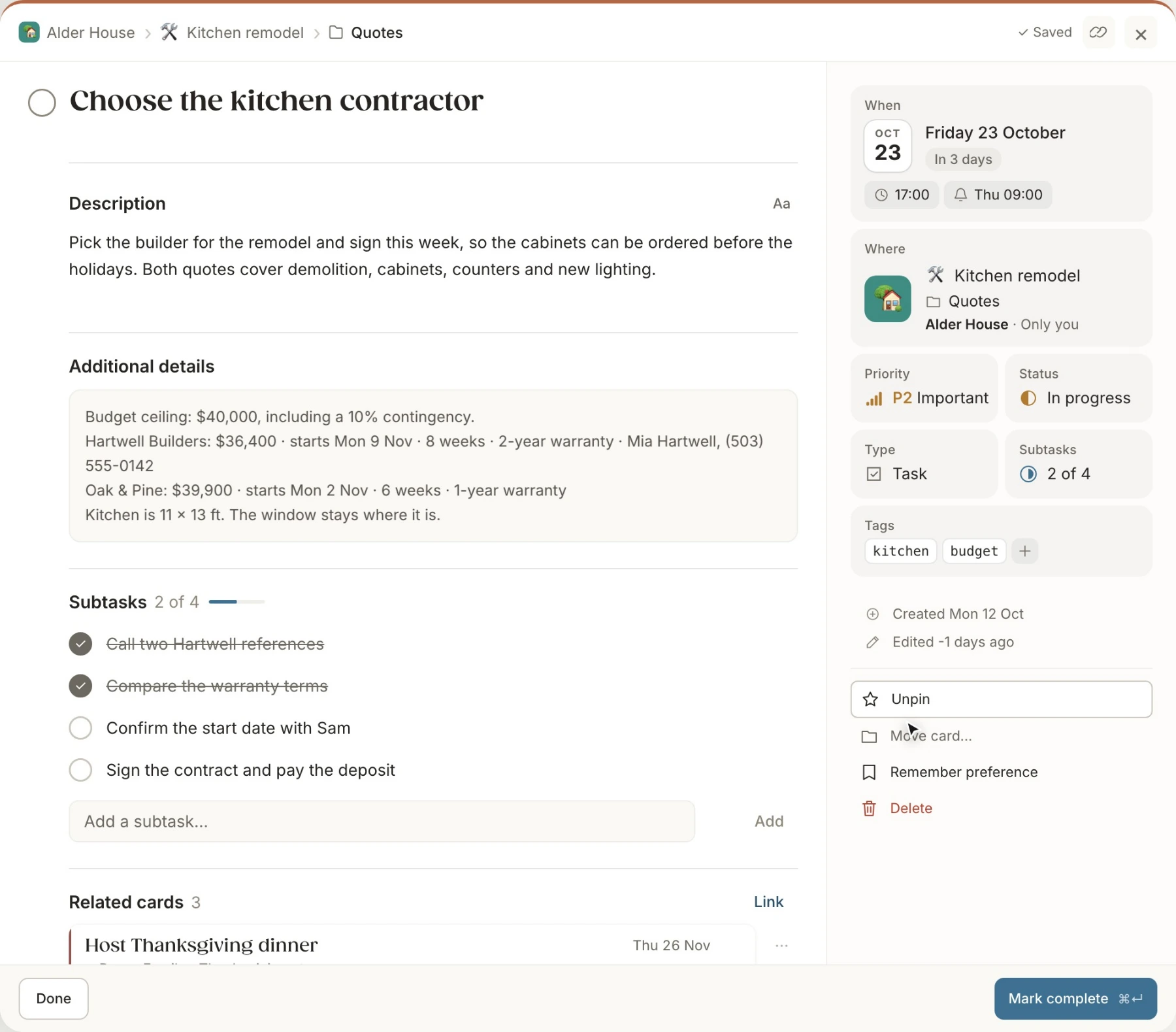
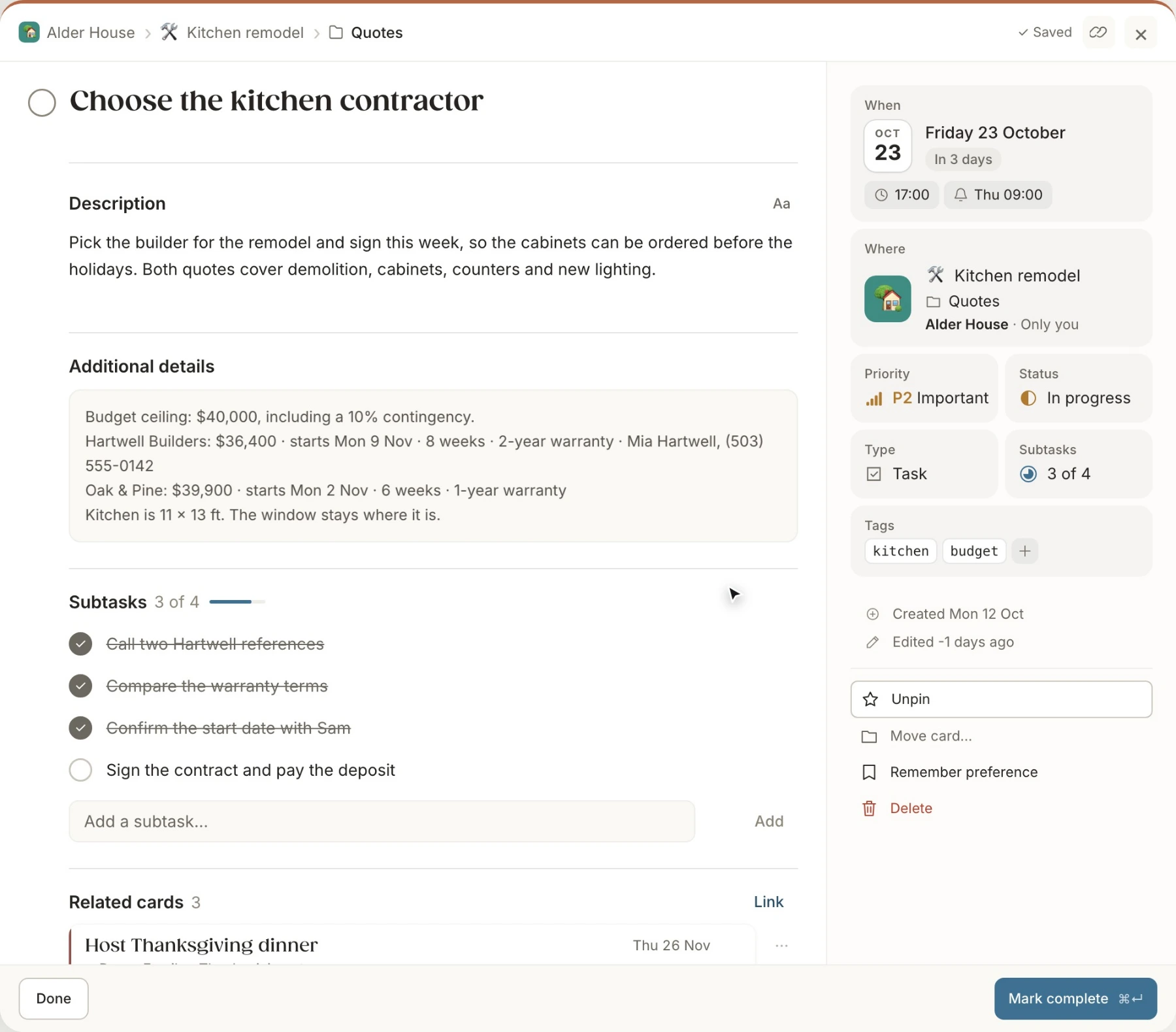
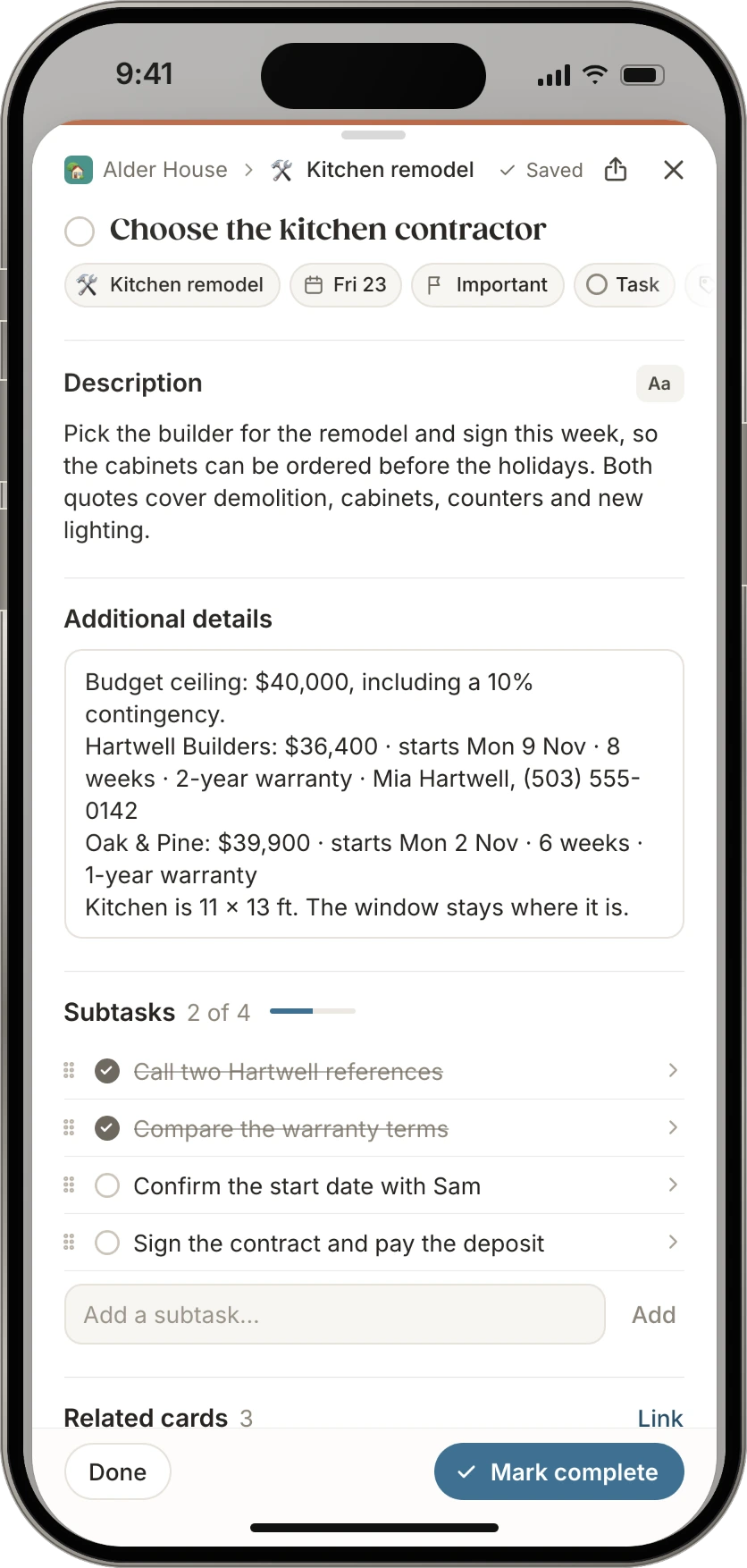
Subtasks, related cards, files and a running log of updates sit with the date, the place and the priority. Nothing about it lives anywhere else.
Views
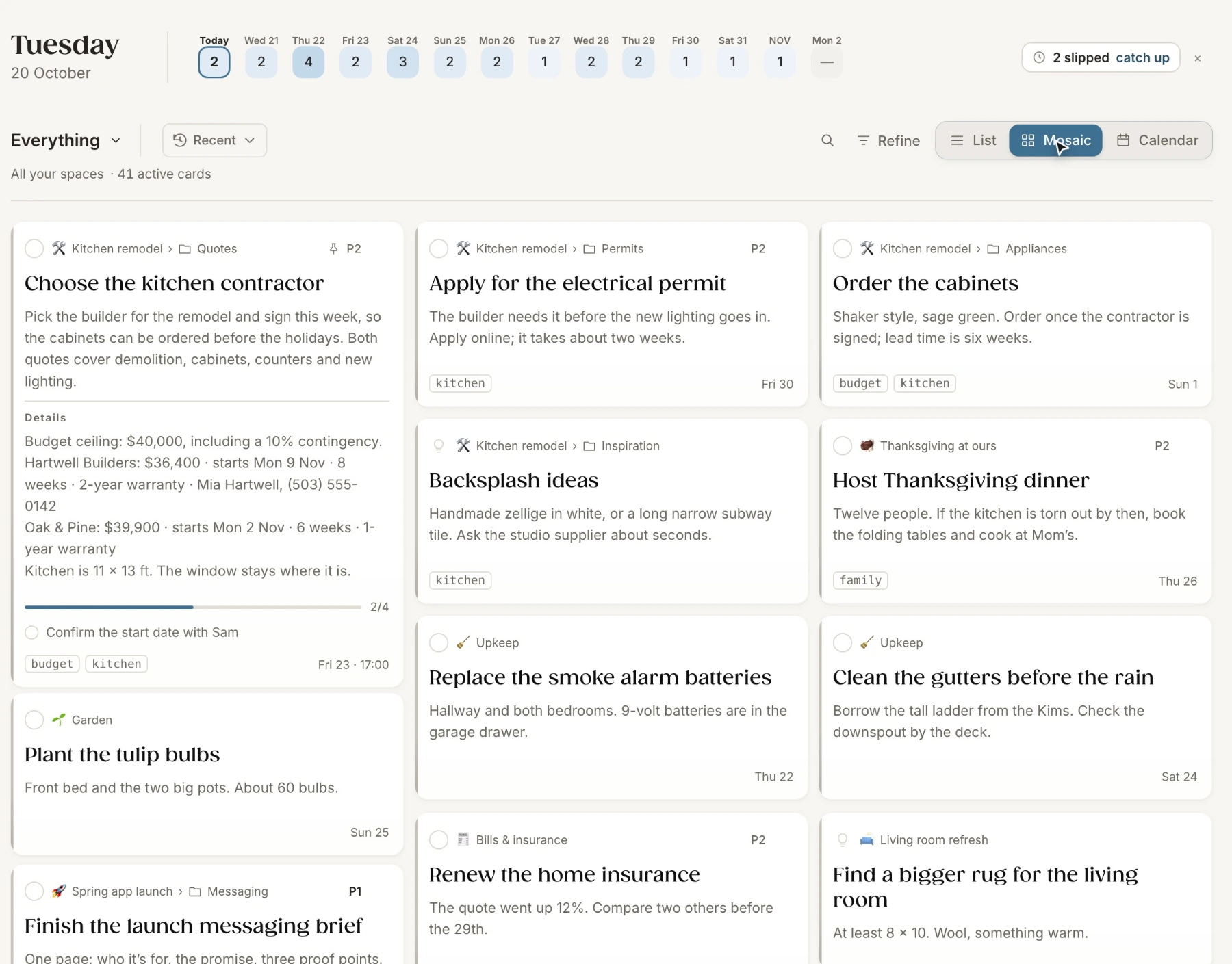
Mosaic to read, List to scan, Calendar to plan. Switching views never moves a card.
Plan
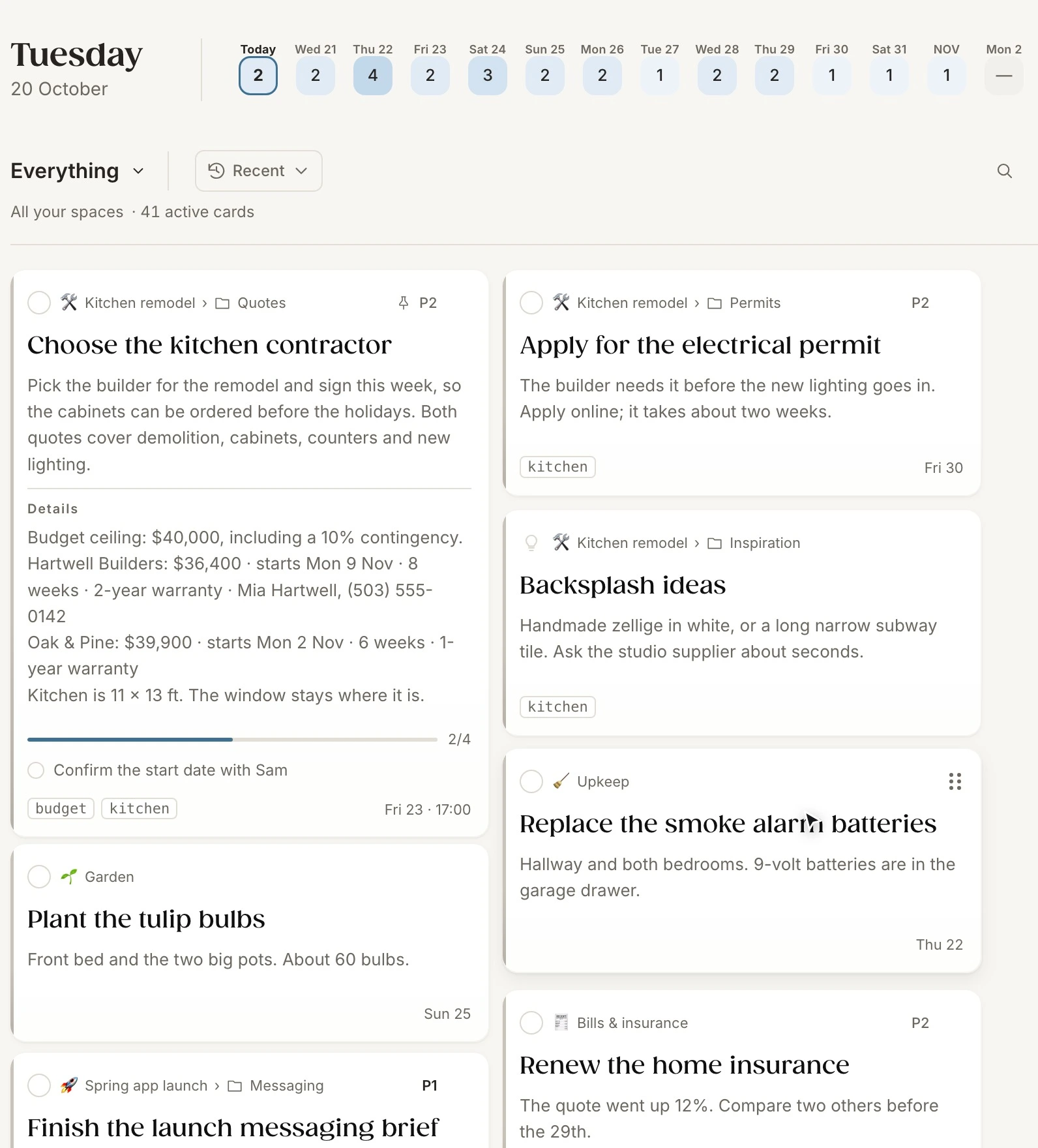
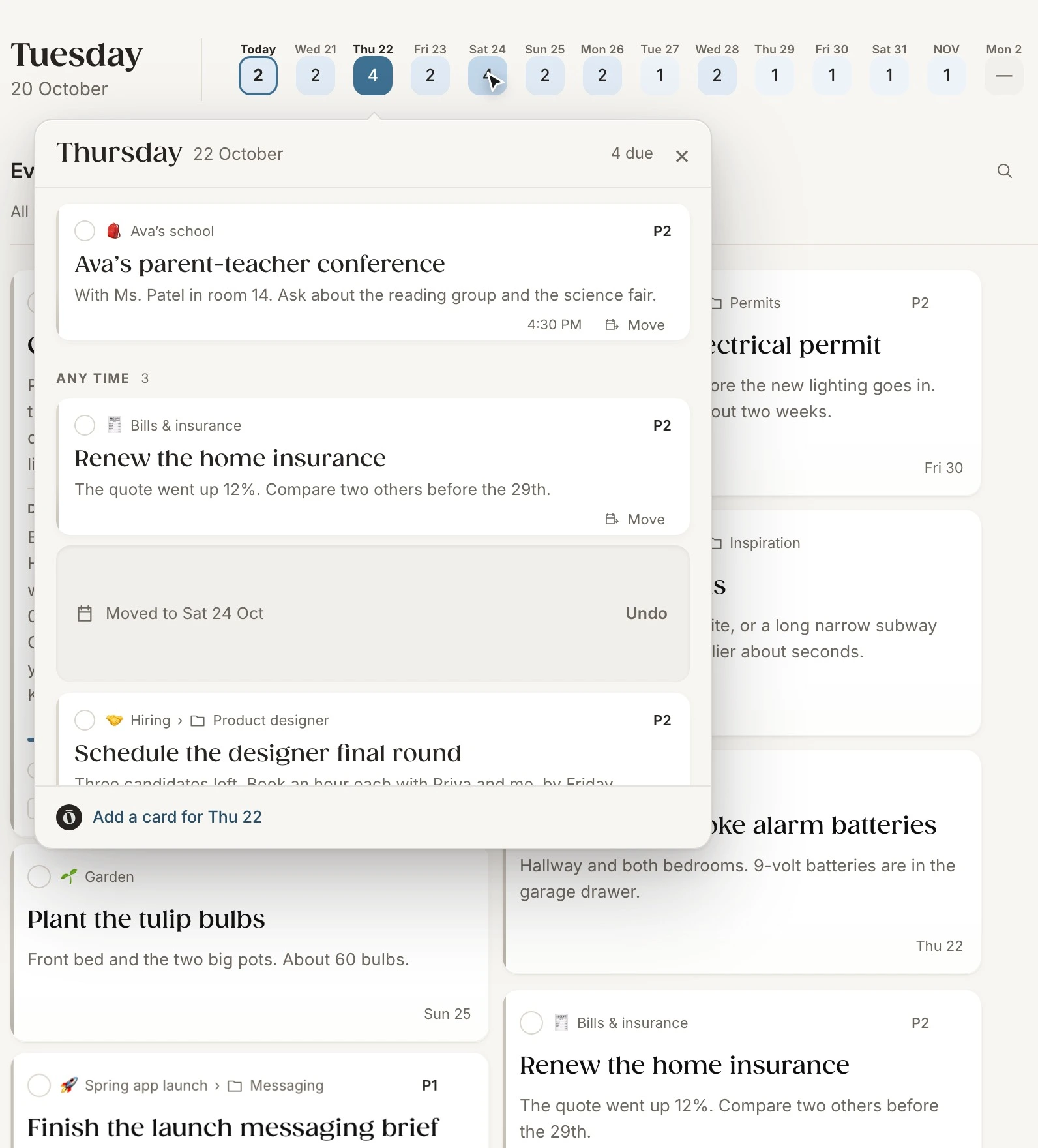
Your next fourteen days sit at the top of every board. Drag a card onto a day to move it, or open a day and drag its cards to another.
Premium
musubi is chōbo’s premium membership. It adds chōboAI, texting and shared spaces to chōbo.
Premium membership
Ask, change, share.
musubi adds three things to chōbo:
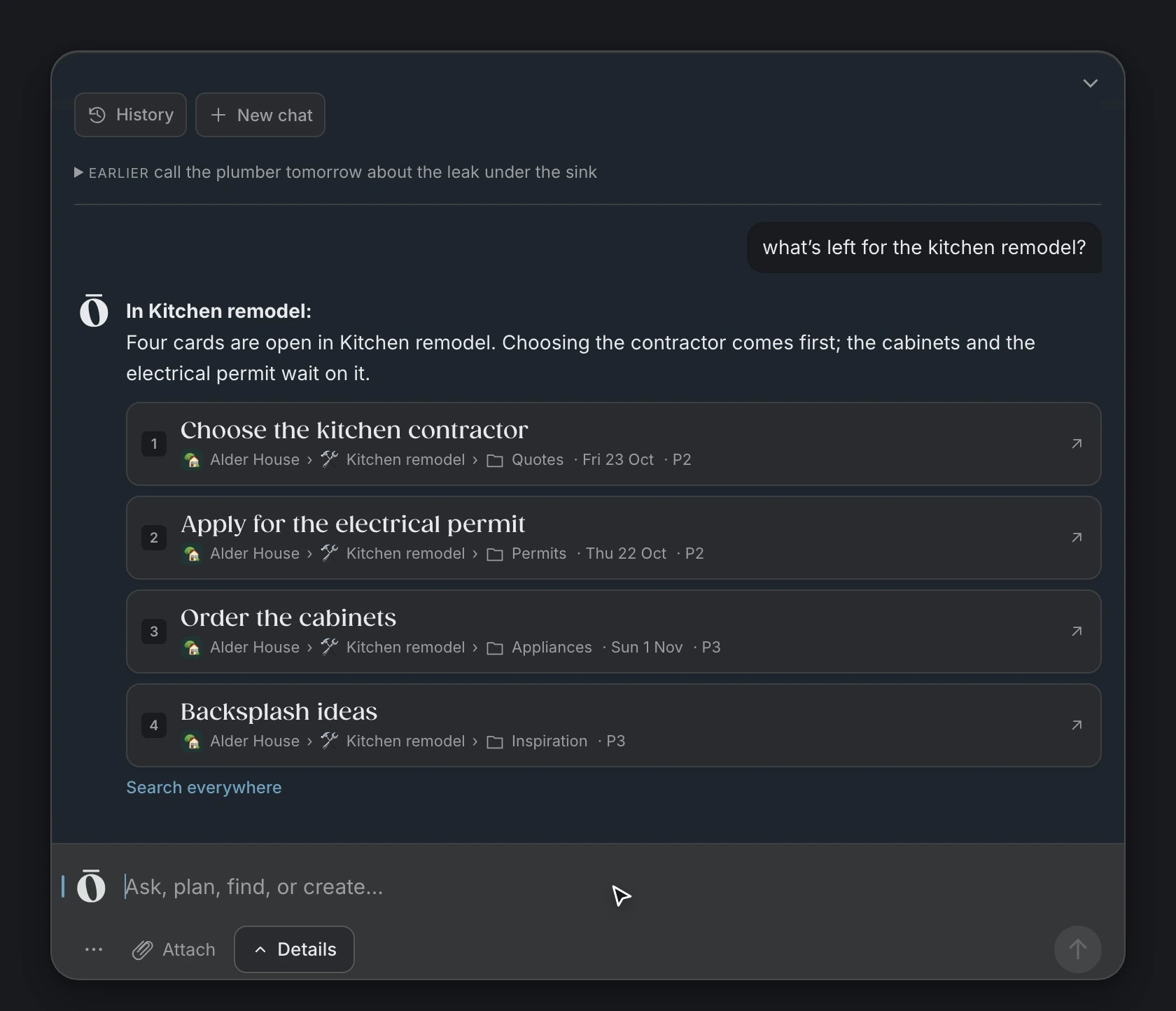
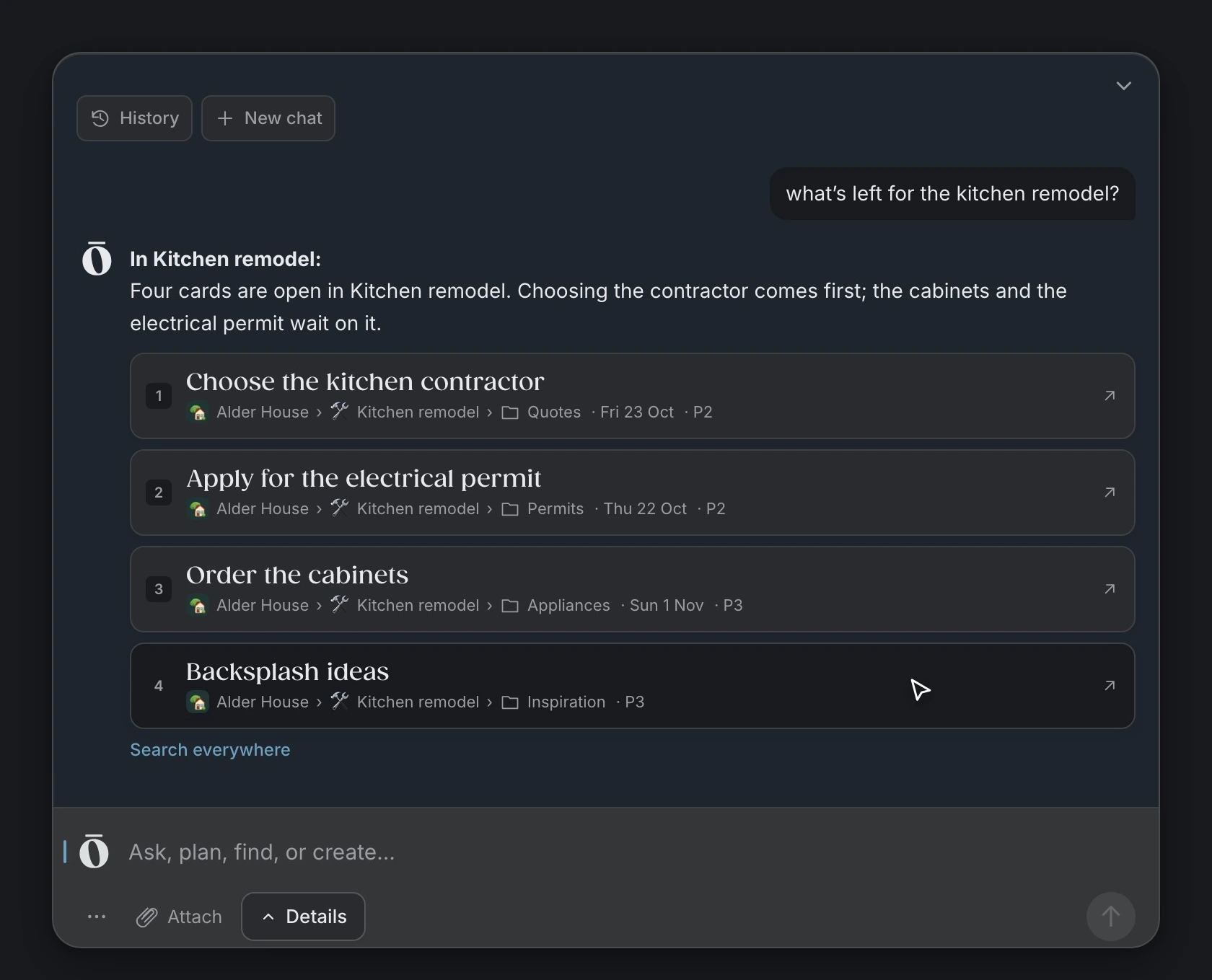
Ask about your cards. chōbo answers from them and links each card it used.
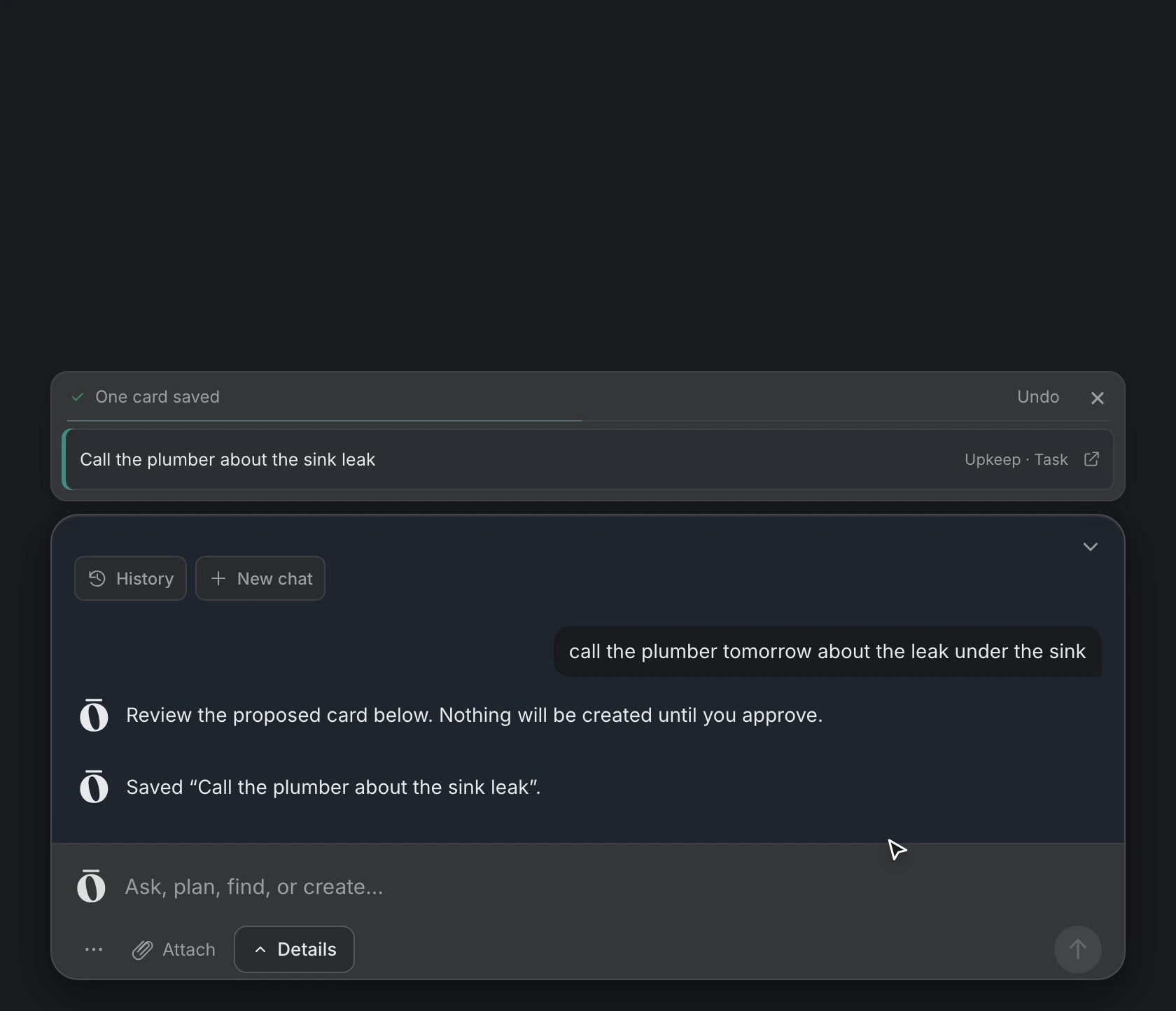
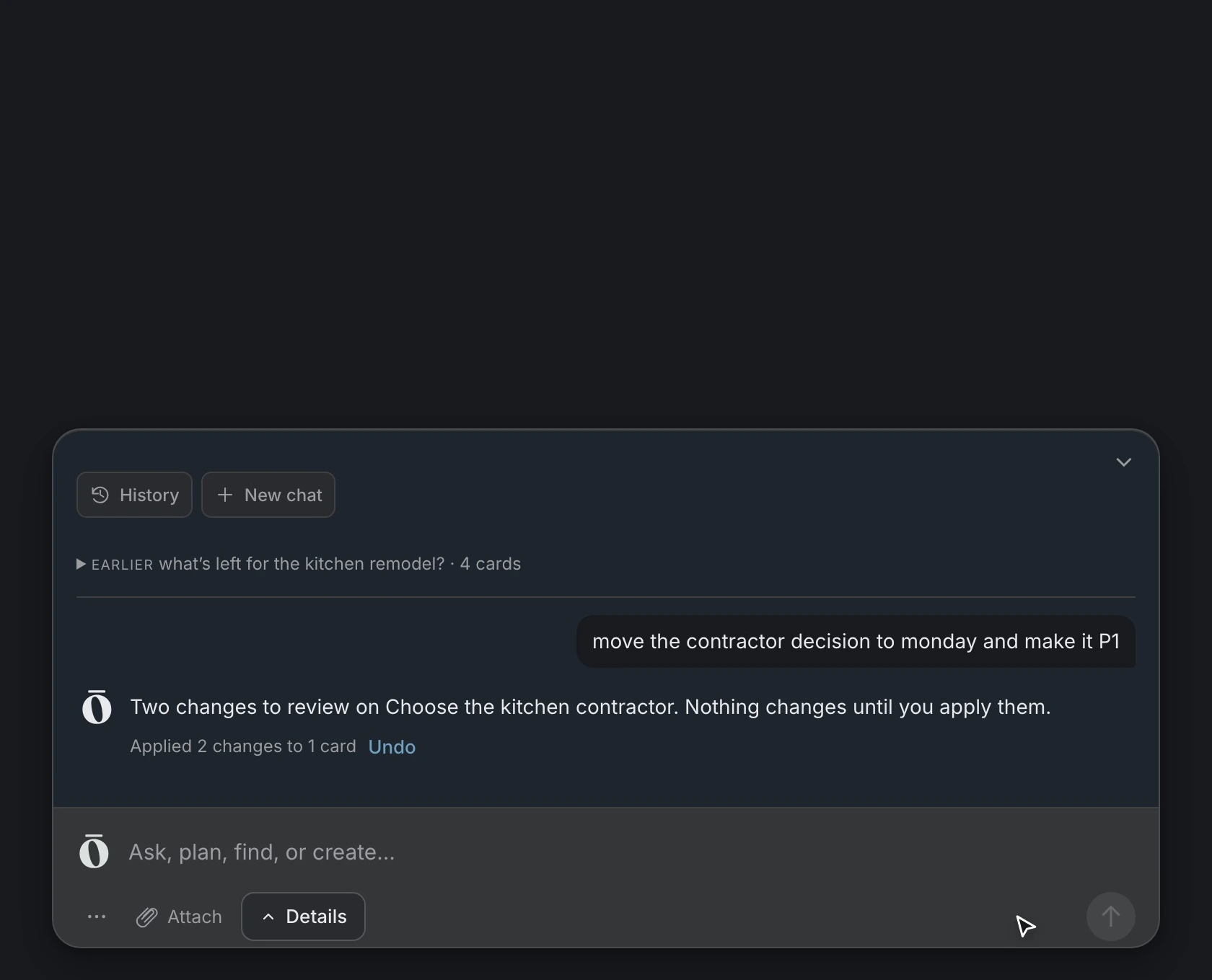
Move a date, raise a priority, rename or file a card in a sentence. You see every change before it’s made.
Catch a thought the moment it comes. Say “Hey Siri, text chōbo” or type it in Messages, and it becomes a card, filed where it belongs.
Share a space with your family or your whole team. Everyone sees the same cards, and people you invite join free.
Pull one end of a bow and it falls open in an instant. In Japan this knot is called a chōmusubi (蝶結び), and it’s the bow in our mark.
musubi is named after it: one quick pull, and a thought leaves your head and lands in chōbo, written down right where it belongs.
musubi isn’t on sale yet. Beta testers get it free.
iPhone
The same cards, the same places and the same composer, in your pocket.
Coming soon to iPhone.
Privacy
chōbo follows the principles behind modern privacy law: collect only what’s needed, never sell it, protect it, and keep you in control of your own information.
Your information is used to provide chōbo. We don’t sell it, share it for advertising or run tracking scripts.
chōbo collects only what it needs to work. When its AI helps you, it sees the few cards your request needs, never your whole workspace.
chōbo’s AI only suggests. Nothing is created or changed until you approve it, and preferences are remembered only when you ask.
Your data is encrypted in transit and stored with Supabase, which encrypts it at rest. Strict access controls keep your workspace yours.
Ask for a copy of your personal information, or for any of it to be corrected, at any time.
Delete any card, or your whole account, yourself at any time. Deleted cards can be restored for 30 days, or removed right away.
Write first. chōbo finds the place.
Free during the beta. Private by design.